
Segment Analyzer
Dynamically segment linear-referenced business data from multiple sources.
When the only common component across datasets is location, integrating data becomes a serious challenge. Segment Analyzer uses the linear reference system as a shared key to merge datasets from different environments, formats, and sources into a single, continuous picture of your network — and is a core module within ElevateGeo's Productivity Tools suite.
Segment Analyzer details
Select routes your way
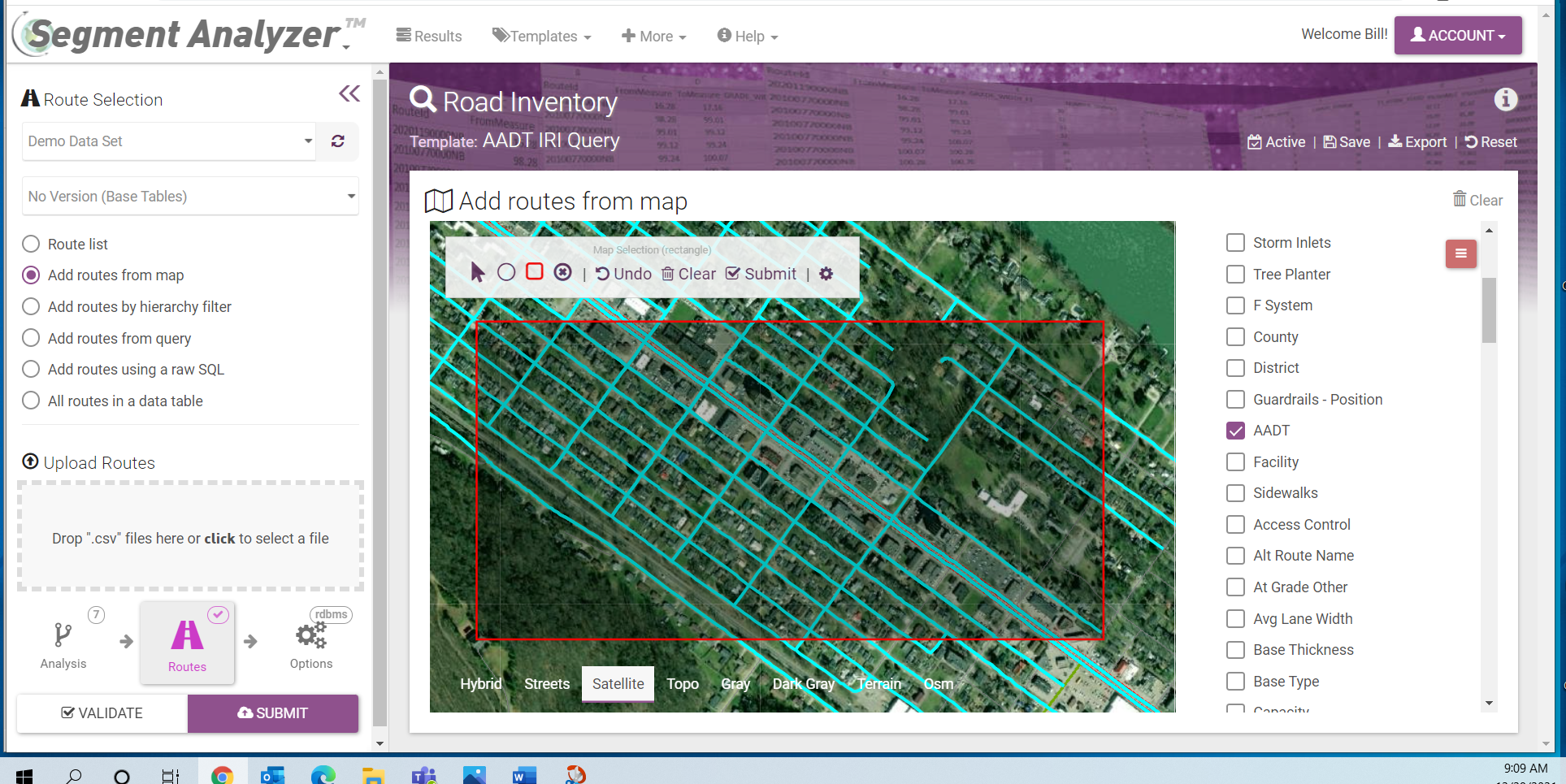
Choose the routes you want to analyze using whichever method fits your workflow. Pick directly from an interactive map with satellite imagery, upload a CSV, query by attribute, or select from a table. Segment Analyzer adapts to how your team works — not the other way around.
From simple merges to complex multi-layer analyses
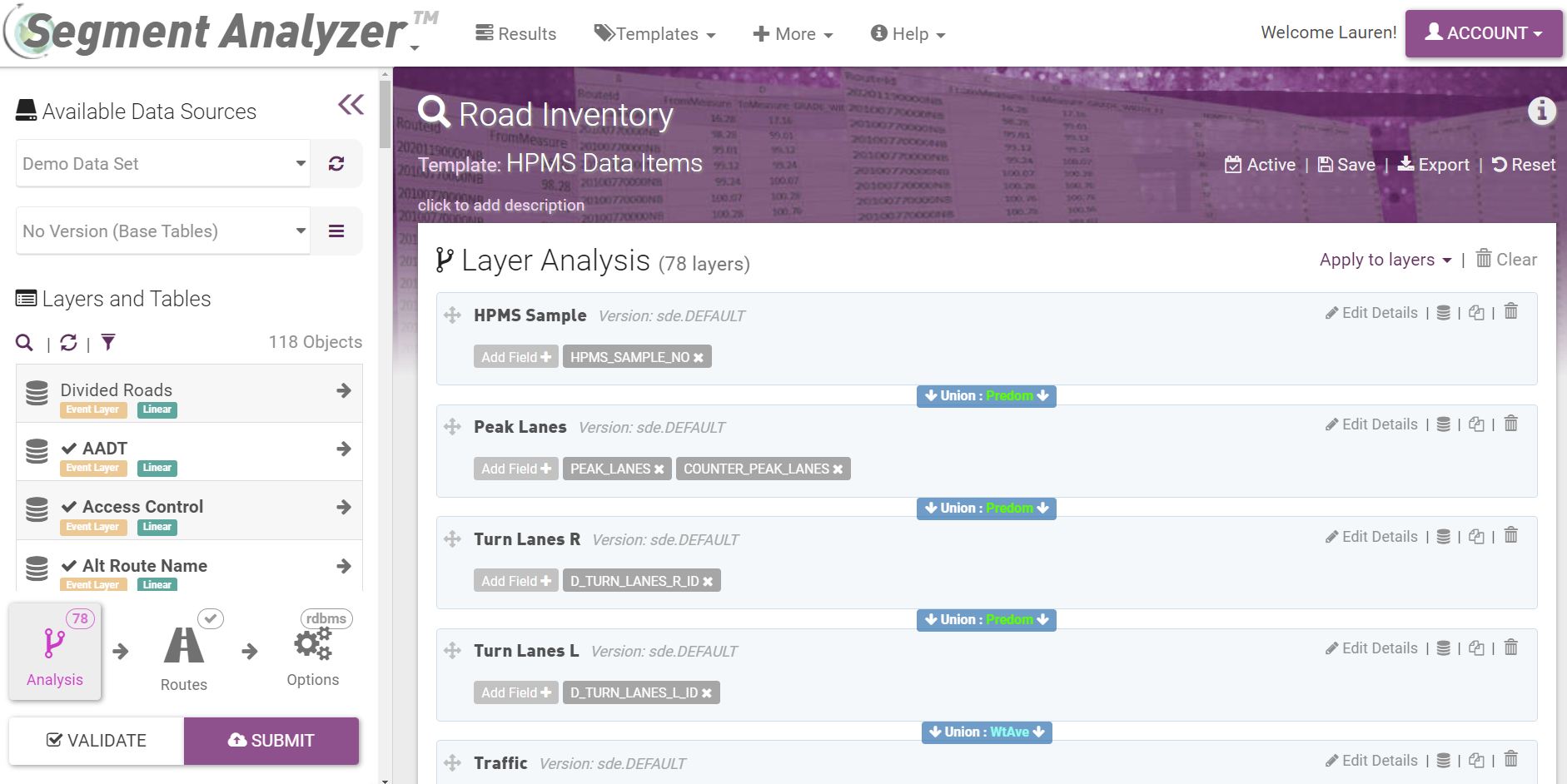
Segment Analyzer supports four levels of analysis to match the complexity of your data needs. A basic union merge combines normalized input tables into a single segmented result. Advanced modes introduce intersect and difference operators, aggregation rules such as weighted average and predominance, and full pre/post processing scripts for the most demanding workflows.
Build and validate queries visually
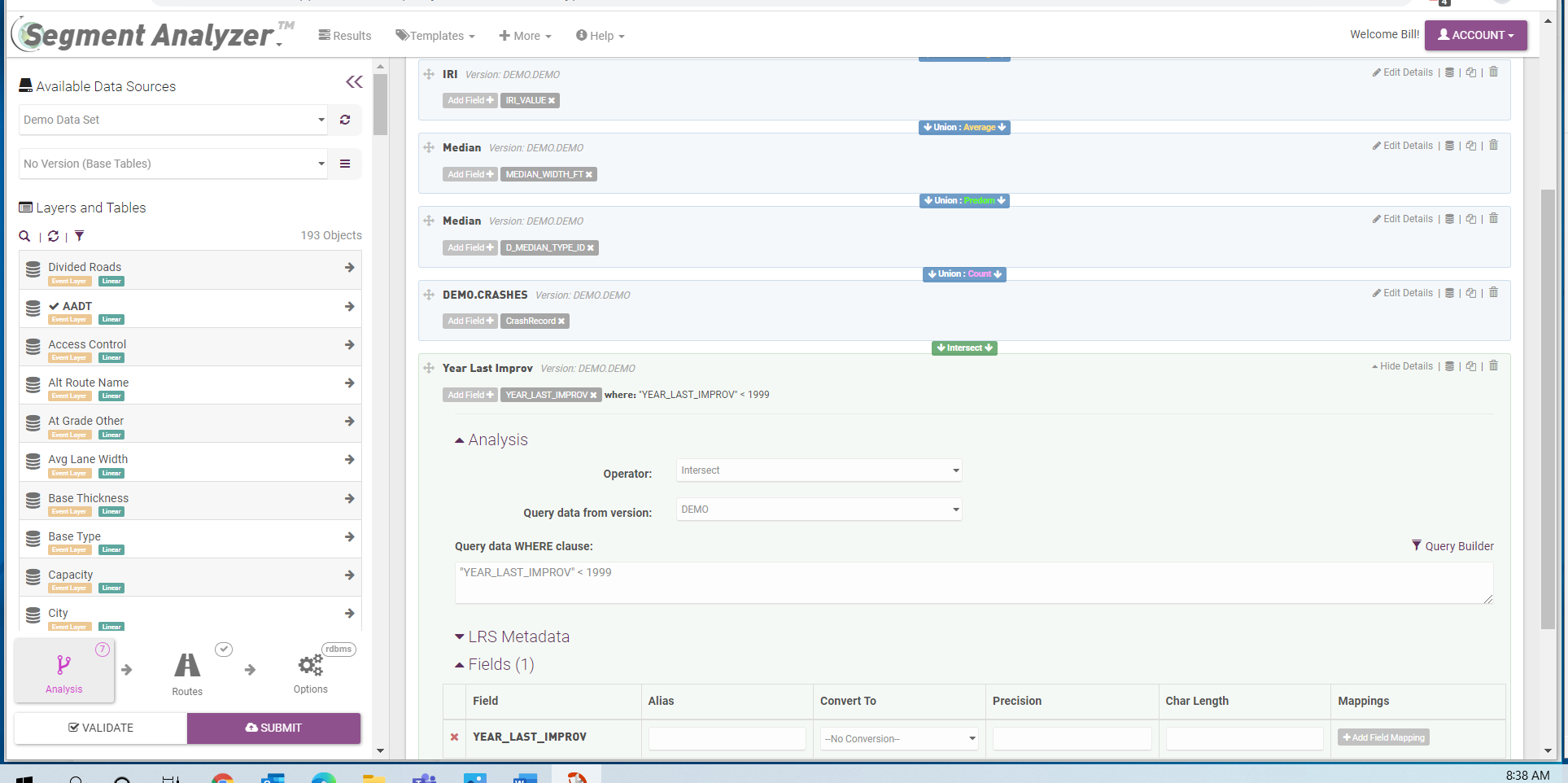
The built-in query builder lets you construct and test segmentation logic before running a full analysis. Overlay your query against network data to spot issues early, saving time and avoiding downstream errors. Queries can be saved as reusable templates and shared across your team for consistent results on recurring analyses.
Inspect results and export in multiple formats
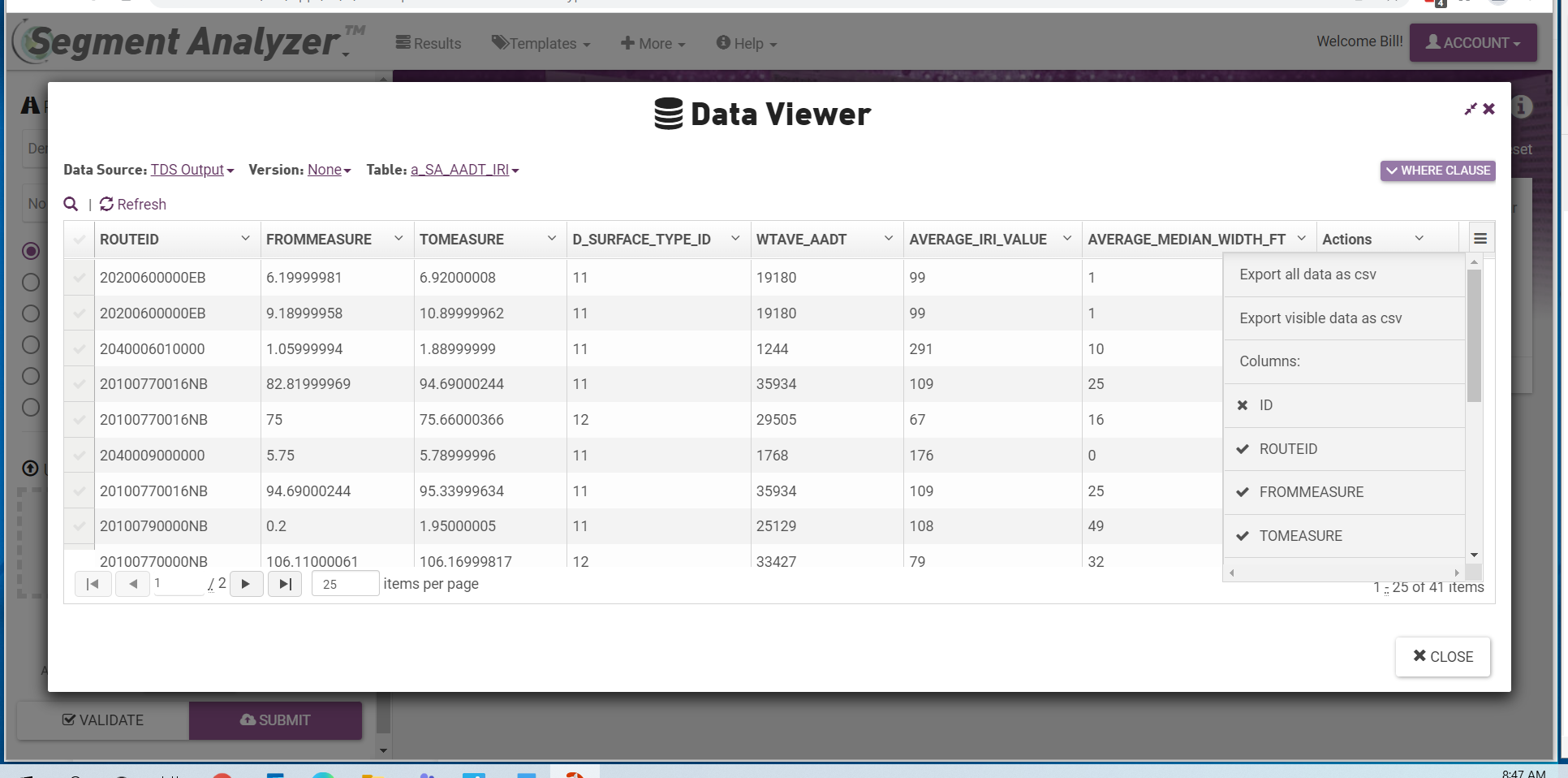
Once an analysis is complete, the data output viewer gives you a detailed look at the segmented results before exporting. Output formats are flexible — supporting the downstream systems your organization already uses. Full run logs are maintained, and analysis requests can be saved and resubmitted, making it easy to repeat or build on previous work.